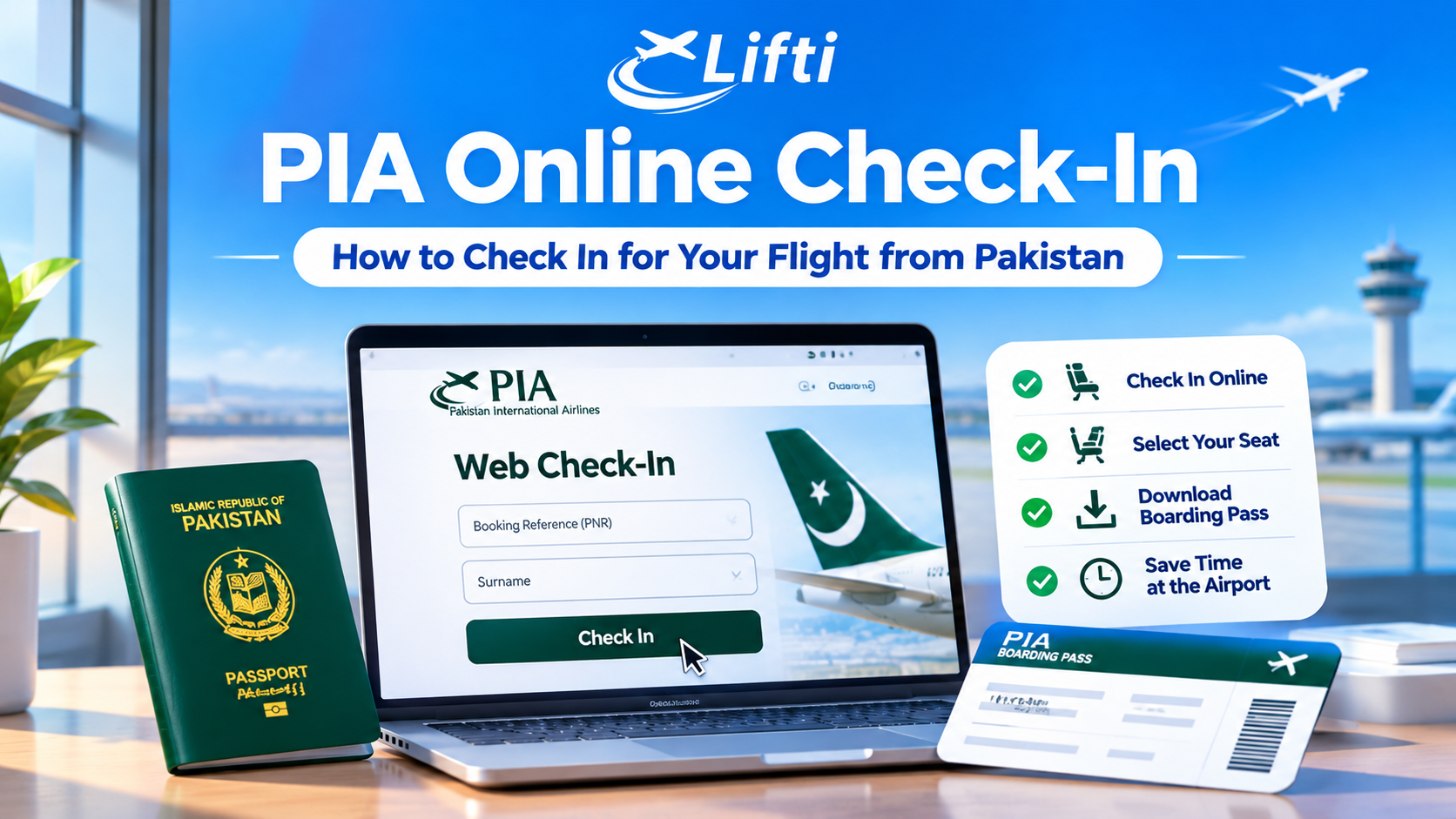
PIA Online Check-In: How to Check In for Your Flight from Pakistan
Last updated: Nov 12, 2026
Learn how to complete PIA online check-in from Pakistan, download your boarding pass, check flight schedules and compare PIA ticket prices. Discover tips for finding affordable PIA flights and booking your next journey through Lifti.
PIA online check in makes preparing for your flight easier by allowing eligible passengers to complete check-in before reaching the airport. Whether you are flying from Karachi to Islamabad, Lahore to Karachi, or planning an international journey, understanding the check-in process can help you save time and avoid unnecessary airport delays.
Pakistan International Airlines (PIA) provides web and mobile check-in facilities on selected domestic routes. Passengers can retrieve their reservations, confirm flight details, select available seats, and obtain their boarding passes online.
If you are still planning your journey, you can also compare flight options and fares through Lifti, a flight search and booking platform that helps travellers compare airlines and travel agents.
This guide explains how PIA online check in works, when it opens, how to download your boarding pass, and how to find PIA flight tickets and fares for popular routes from Pakistan.
What Is PIA Online Check In?
PIA online check in, also called PIA web check in, is a digital service that allows eligible passengers to check in for their flights through the airline's website or mobile app before arriving at the airport.
Instead of completing the entire check-in process at the airport counter, passengers can confirm their booking details and select an available seat online.
The service is particularly useful for travellers who want to reduce airport formalities and prepare their travel documents in advance.
However, online check-in does not replace every airport procedure. Passengers travelling with checked baggage must still visit the baggage drop or check-in counter. Some passengers may also need to obtain a physical boarding pass or complete additional document verification.
How to Check In Online for a PIA Flight
Follow these steps to complete PIA online check in.
Step 1: Visit the Official PIA Check-In Website
Open the official PIA check-in portal or visit the PIA website and navigate to Web Check-In.
Make sure you are using the official airline website before entering your booking information.
Step 2: Enter Your Booking Reference or PNR
To retrieve your reservation, you generally need:
- Your PNR or booking reference
- Your surname as written on the reservation
Depending on the check-in system, your e-ticket number and surname may also be accepted.
Enter the information carefully. A mismatch between your booking details and the information entered may prevent the system from retrieving your flight.
Step 3: Review Your Passenger and Flight Details
Once your booking appears, check the following information:
- Passenger names
- Flight number
- Departure airport
- Destination airport
- Scheduled departure date and time
If you notice an incorrect passenger name or flight detail, contact the airline or your booking provider before proceeding.
Step 4: Select Your Seat
The system may display available seats for your flight. Choose your preferred seat according to the options presented.
Seat availability and charges may vary depending on the fare, aircraft, and seat category. Emergency exit row seats may not be available through online check-in.
Step 5: Confirm Your Check-In
Review the passenger details and follow the instructions displayed by the check-in system. Complete any required verification and confirm your check-in.
After successful completion, the system should provide access to your boarding pass, subject to the applicable flight and airport requirements.
Step 6: Save Your Boarding Pass
Download, print, or email your PIA online boarding pass if the system provides these options.
Keep a copy accessible on your phone and carry the required identification documents to the airport.
PIA Online Check-In Time and Deadline
Knowing the PIA online check in time is essential to avoid missing the check-in window.
PIA's published digital check-in information states that online check-in opens 24 hours before scheduled departure. Its official pages have provided different closing times, so passengers should verify the applicable deadline on the live check-in portal.
For a smooth experience:
- Check in as soon as the online window opens, if your travel plans are confirmed.
- Do not wait until the last few hours before departure.
- Check the airport reporting time and baggage drop deadline separately.
- Follow any additional instructions shown for your specific flight.
Online check-in availability may vary by route, airport, and passenger eligibility.
PIA Online Boarding Pass: How to Download It
After completing PIA online check in, eligible passengers can access their boarding pass through the check-in system.
To download your PIA boarding pass:
- Complete the online check-in process.
- Look for the boarding pass or confirmation option.
- Download the boarding pass as a PDF, if available.
- Save it on your phone or print a copy.
- Verify that your name, flight number, and departure details are correct.
If you cannot download or print your boarding pass, contact PIA or report to the airport check-in counter. Do not assume that a successful online check-in means you can skip all airport procedures.
PIA Check-In Using PNR
A PNR, or Passenger Name Record, is the booking reference associated with your flight reservation.
To use your PNR for PIA check in:
- Locate your booking confirmation email or ticket.
- Find the booking reference or PNR.
- Enter the reference and your surname on the official check-in portal.
- Retrieve your reservation and follow the check-in instructions.
If your PNR does not work, check that you have entered the correct surname and booking reference. If the booking was made through a travel agency or flight booking platform, contact the provider for assistance.
PIA Mobile Check-In
PIA mobile check in allows eligible passengers to use the airline's mobile app to complete check-in.
The process is similar to web check-in. Passengers retrieve their booking, review their details, select available seats, and follow the instructions to complete check-in.
Before travelling, make sure your phone is charged and your boarding pass is accessible offline if you have downloaded it.
PIA Online Check-In for Domestic and International Flights
PIA's published web and mobile check-in information lists selected domestic routes, including flights between Karachi, Lahore, Islamabad, Peshawar, Quetta, Multan, Faisalabad, and Skardu.
Online check-in availability for international flights may differ. Passengers travelling internationally should confirm eligibility through the official PIA website or contact the airline.
International travellers should also prepare:
- A valid passport
- Required visa or travel authorization
- Any destination-specific travel documents
- Their confirmed flight ticket and booking reference
Always follow the document requirements for your destination and transit countries.
What to Do If PIA Online Check-In Is Not Working
If PIA online check in is unavailable or your booking cannot be retrieved, try these steps:
- Verify your PNR and surname.
- Confirm that your flight is within the online check-in window.
- Check whether your route supports online check-in.
- Try another browser or the official mobile app.
- Check your email for booking or verification information.
- Contact PIA or your ticket provider if the problem continues.
Passengers who cannot complete online check-in should arrive at the airport with enough time to complete the process at the counter.
PIA Flight Booking: How to Find Tickets and Compare Fares
If you have not booked your flight yet, you can search for PIA flight tickets and compare available fares before choosing your travel dates.
PIA flight prices can vary depending on the route, travel date, seat availability, fare conditions, and booking time. Comparing different dates and flight options may help you find a suitable fare.
Lifti helps travellers search and compare flight options from multiple airlines and travel agents. You can visit Lifti to search flights and explore available options for your journey.
When comparing PIA flight fares, consider:
- Total ticket price, including applicable taxes and fees
- Baggage allowance
- Refund and change conditions
- Departure and arrival times
- Seat selection charges
- Whether the flight is direct or involves a connection
The cheapest ticket is not always the best option if it has restrictive conditions or additional costs.
PIA Ticket Prices and Popular Routes from Pakistan
Travellers frequently search for PIA ticket prices on popular domestic and international routes. Actual fares depend on the travel date and availability, so check current prices before booking.
PIA Karachi to Islamabad Ticket Price
The Karachi to Islamabad route is one of Pakistan's major domestic air routes. Travellers can compare PIA flight schedules and fares for different departure dates to find a suitable option.
PIA Lahore to Karachi Flight Fare
Passengers travelling between Lahore and Karachi can search for available PIA flights and compare fares based on their preferred travel dates.
PIA Islamabad to Karachi Flights
When searching for PIA Islamabad to Karachi flights, compare departure times, baggage conditions, and available ticket options before confirming your booking.
PIA Karachi to Lahore Ticket Price
Travellers can search for PIA Karachi to Lahore ticket prices and compare available flights for business, family, or personal travel.
PIA Karachi to Jeddah Ticket Price
Passengers travelling from Pakistan to Saudi Arabia can compare PIA Karachi to Jeddah fares and check the applicable baggage and travel-document requirements.
PIA Lahore to Riyadh Flight Fare
For travel between Lahore and Riyadh, compare available PIA flight options and ticket conditions before booking.
PIA Islamabad to Dubai Ticket Price
Travellers searching for PIA Islamabad to Dubai ticket prices should compare fares across their preferred dates and verify international travel requirements.
PIA Pakistan to London Flights
Passengers planning travel to London can search for PIA flight options from Pakistan and review the available schedules and fare conditions.
PIA Karachi to Toronto Ticket Price
For long-haul journeys, compare PIA Karachi to Toronto ticket prices and review baggage allowances, connections, and applicable travel requirements.
Frequently Asked Questions About PIA Online Check In
1. How can I check in online for my PIA flight?
Visit the official PIA check-in portal, enter your PNR and surname, retrieve your booking, review your details, select an available seat, and confirm check-in.
2. How many hours before a PIA flight can I check in online?
PIA's published digital check-in information states that online check-in opens 24 hours before scheduled departure. Check the live portal for the applicable closing deadline.
3. Can I check in for a PIA flight using my PNR number?
Yes. Eligible passengers can retrieve their booking using their PNR or booking reference and surname.
4. How do I download my PIA boarding pass?
After completing online check-in, use the boarding pass option to download, print, or email your pass if available.
5. Is PIA online check-in available for international flights?
Availability may vary by route and airport. Confirm your flight's eligibility through PIA's official website.
6. Can I check in online if I have baggage?
Yes, eligible passengers may check in online, but checked baggage must still be handed over at the airport counter or designated baggage drop.
7. What should I do if PIA online check-in is not working?
Verify your booking details, check your route's eligibility, and try again through the official website or mobile app. If the problem continues, contact PIA or your ticket provider.
8. Can I select my seat during PIA online check-in?
Passengers may select from available seats during the check-in process. Some seats may have additional charges or restrictions.
9. Where can I find PIA ticket prices online?
You can search PIA flight tickets and compare available fares through Lifti, or check the official PIA booking website.
10. Can I find cheap PIA flights from Pakistan?
Compare different travel dates, routes, and available fare options. Booking early and remaining flexible with your dates may help you find a suitable price.
Conclusion
PIA online check in helps eligible passengers prepare for their flights before reaching the airport. By retrieving your booking with your PNR, confirming passenger details, selecting an available seat, and saving your boarding pass, you can make your departure process more convenient.
Before travelling, verify the latest check-in deadlines, route eligibility, baggage requirements, and airport reporting instructions through PIA's official channels.
If you are still looking for a flight, search and compare available fares on Lifti to explore options for your next journey from Pakistan.
Disclaimer: We've worked hard to make sure the information in this article is as accurate and up to date as possible at the time of publishing. Travel details such as prices, schedules, visa rules, and entry requirements can change at short notice, so it remains your responsibility to verify the current details with official sources before you book or travel. Lifti accepts no liability for any loss or inconvenience arising from the use of this content.